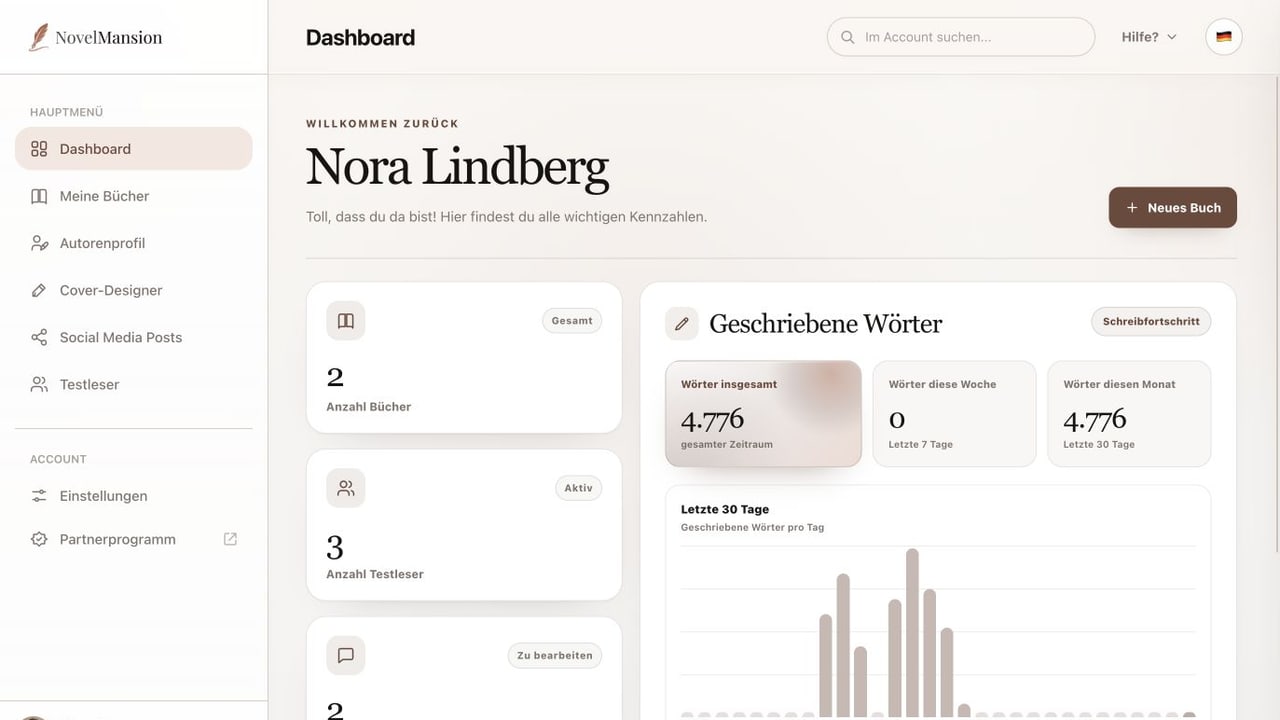
Dashboard
The Dashboard: your starting point in NovelMansion
Learn the navigation, the single quick-start action and the direct way back into your books.
Open tutorial

Help Centre
Clear step-by-step guidance for writing, planning, designing, publishing and working with beta readers.
30 tutorials available
Choose the NovelMansion area you are working in. You will then see the relevant step-by-step guides.
0 tutorials available
Dashboard
Learn the navigation, the single quick-start action and the direct way back into your books.
Dashboard
Understand book count, active beta readers, open comments and the fixed 30-day writing chart.
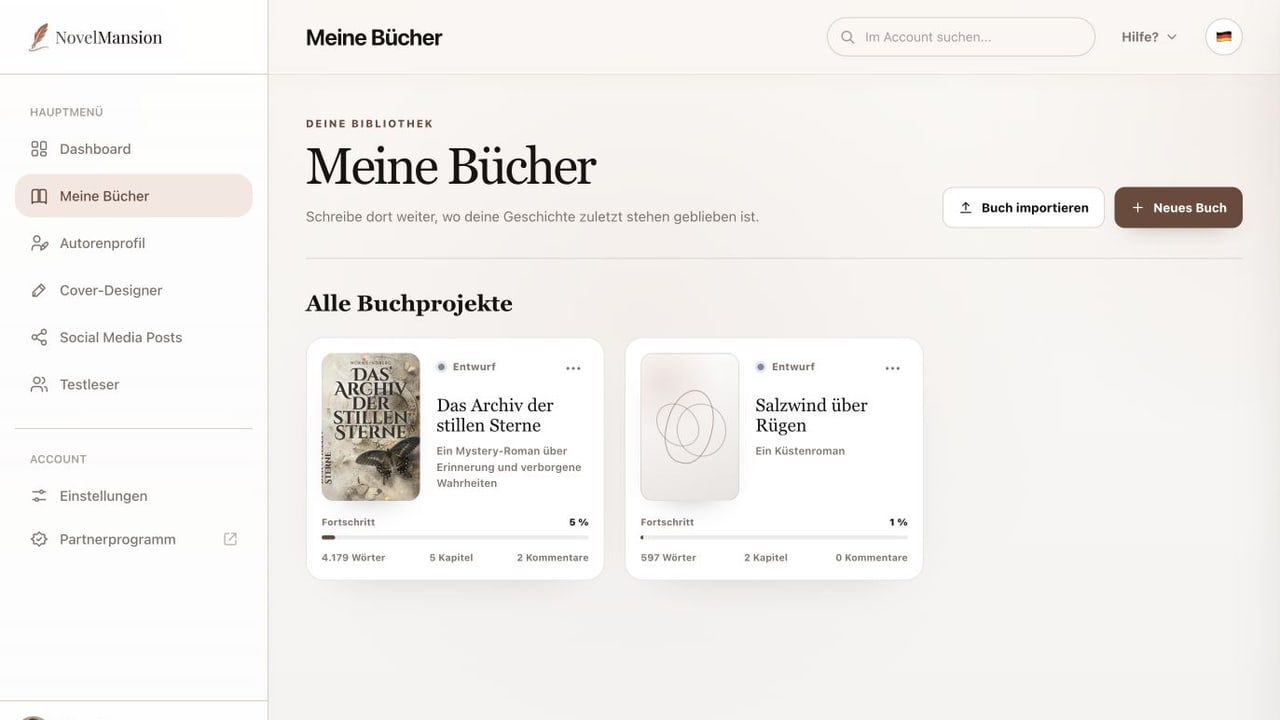
My Books
Start with a book title or import text, chapters and images from a Word file.
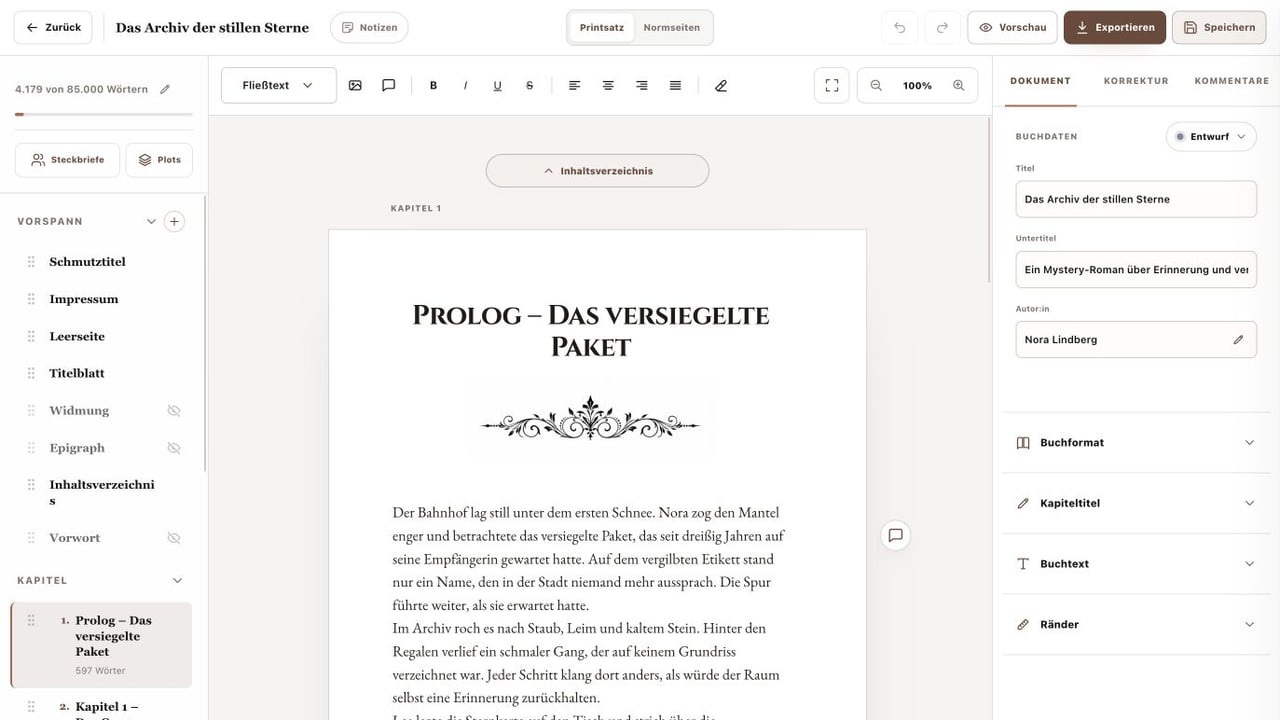
My Books
Add chapters, change their order and control the visible parts of your book.
My Books
Use print layout, standard pages, text tools, document settings, preview and save with confidence.
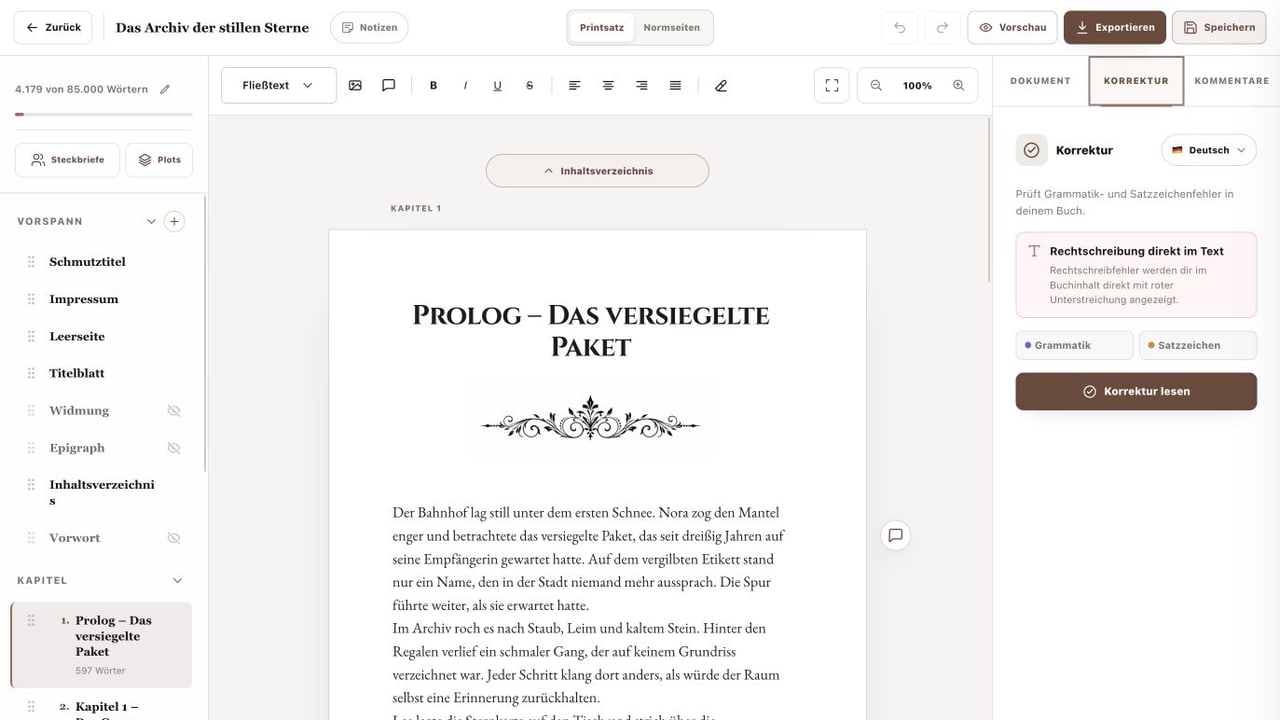
My Books
Understand inline spelling marks and run the separate grammar and punctuation check.
My Books
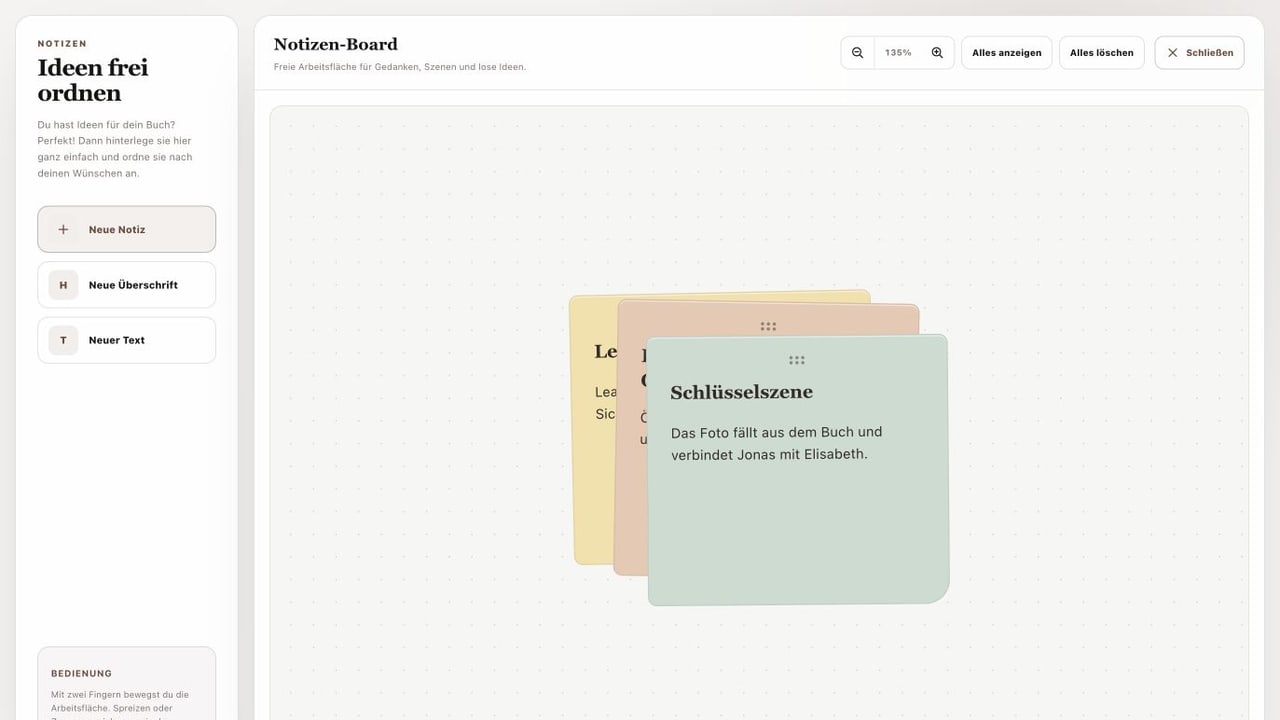
Create notes, headings and text blocks and position them on a free-form canvas.
My Books
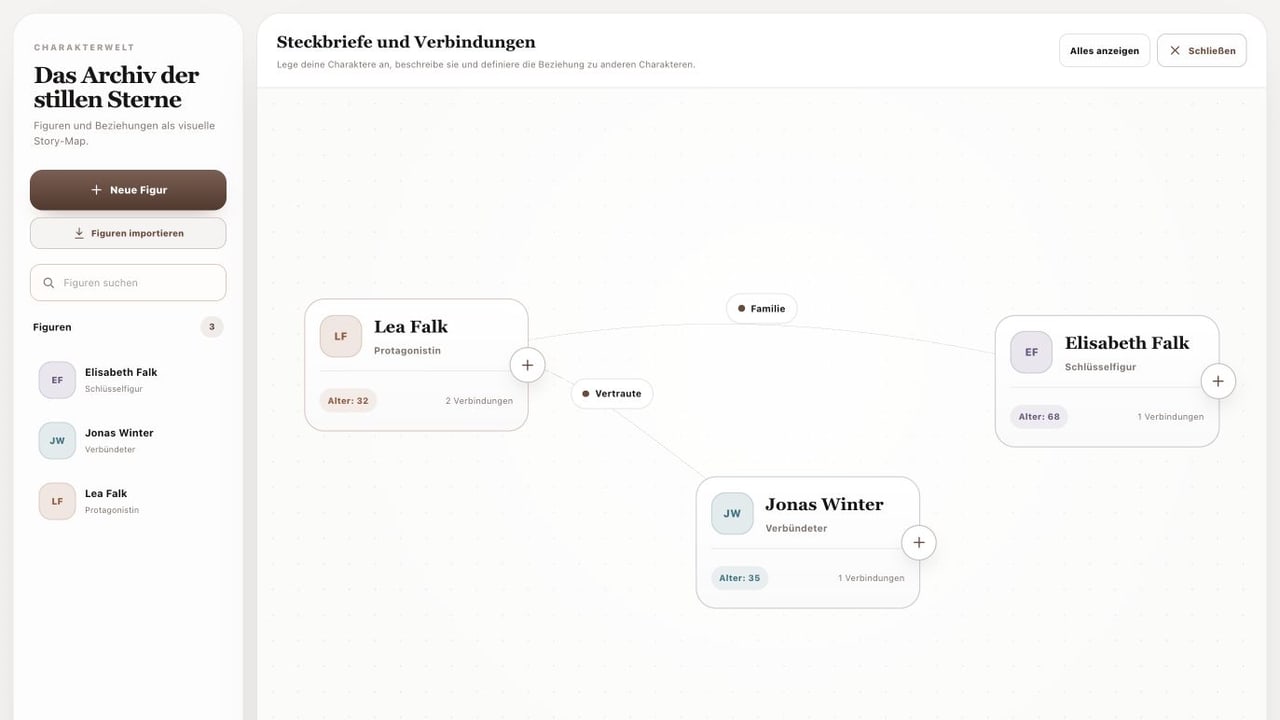
Create character profiles, import characters and connect them on a visual story map.
My Books
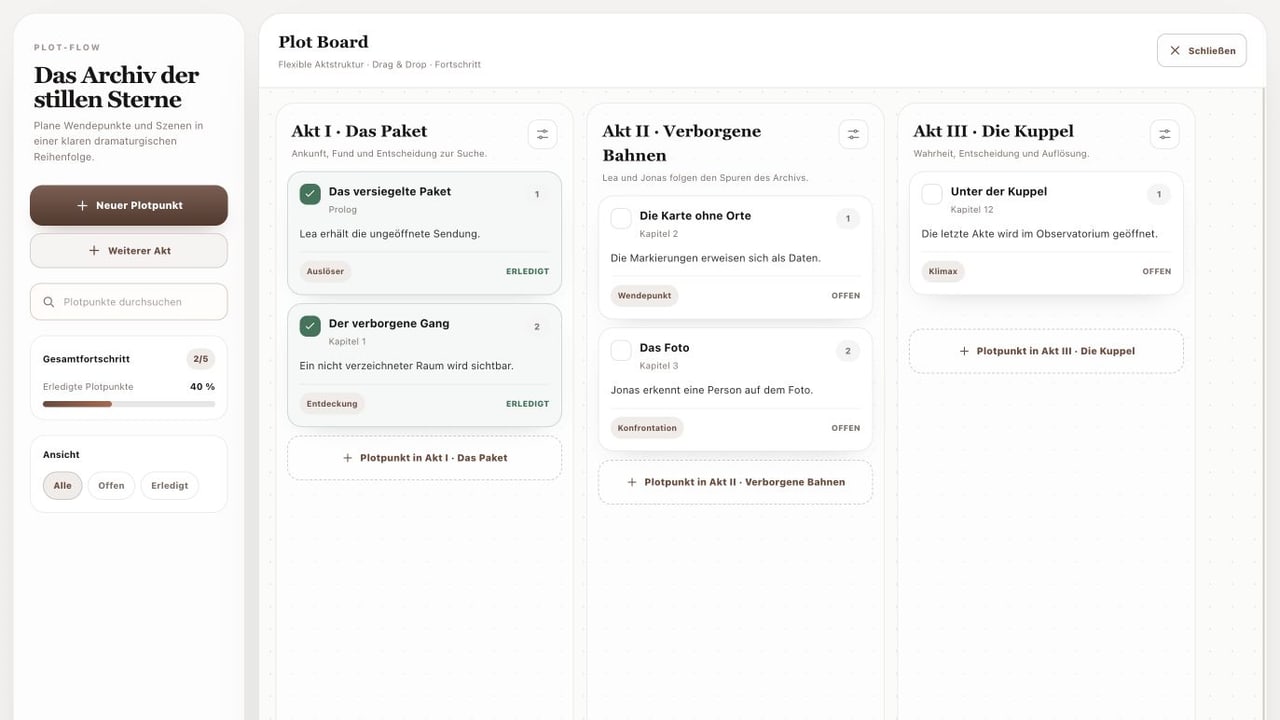
Arrange plot points in acts, link chapters and track open or completed items.
My Books
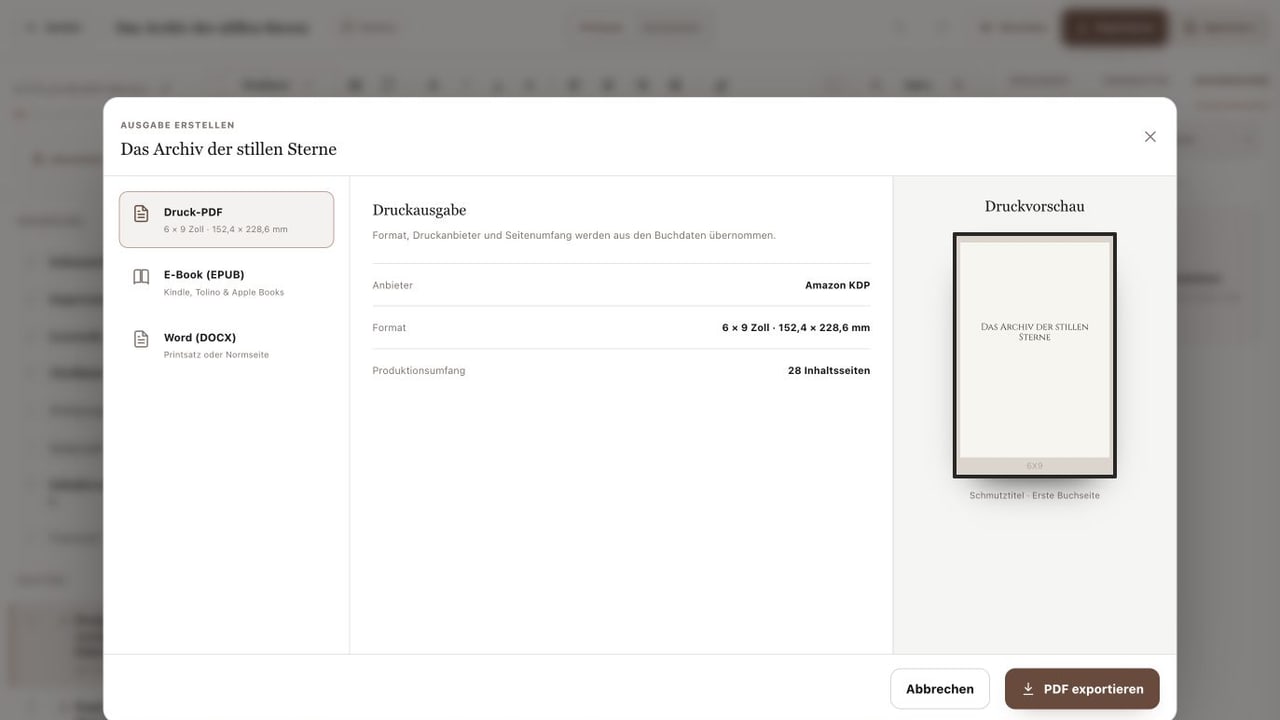
Prepare typesetting in the Document tab and export print PDF, EPUB or DOCX.
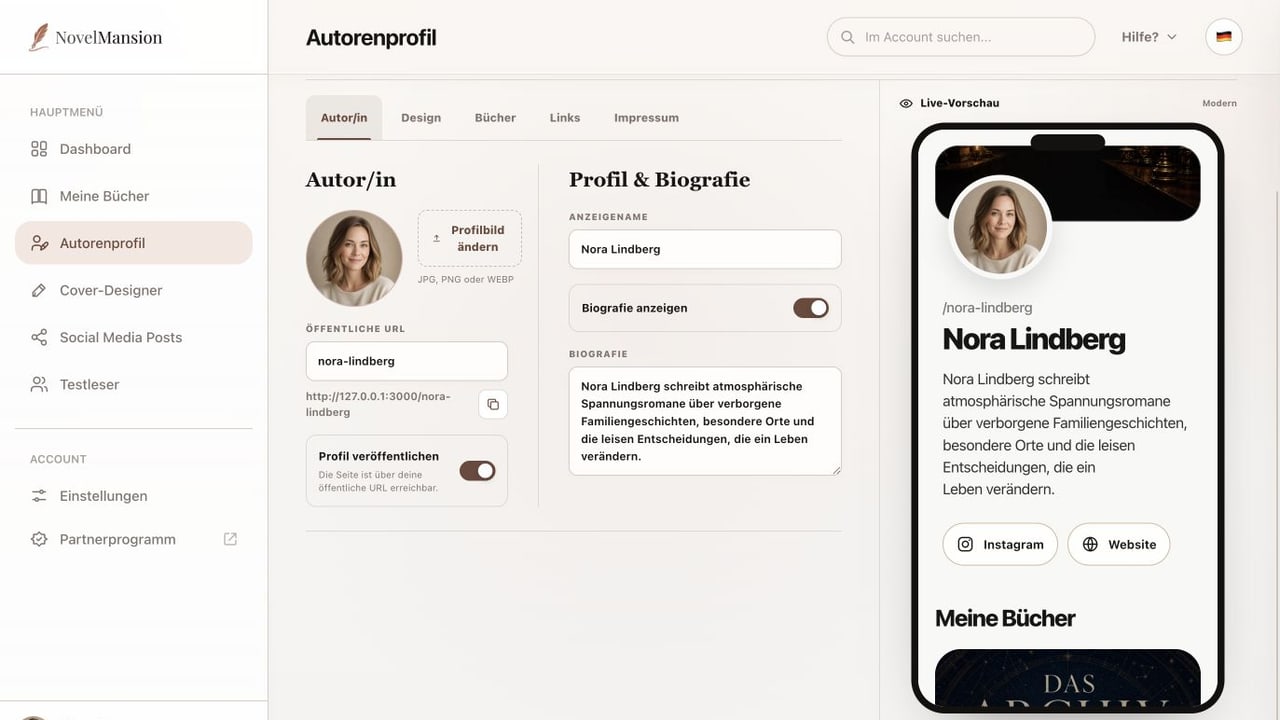
Author Profile
Manage portrait, public URL, display name and biography and control publication.
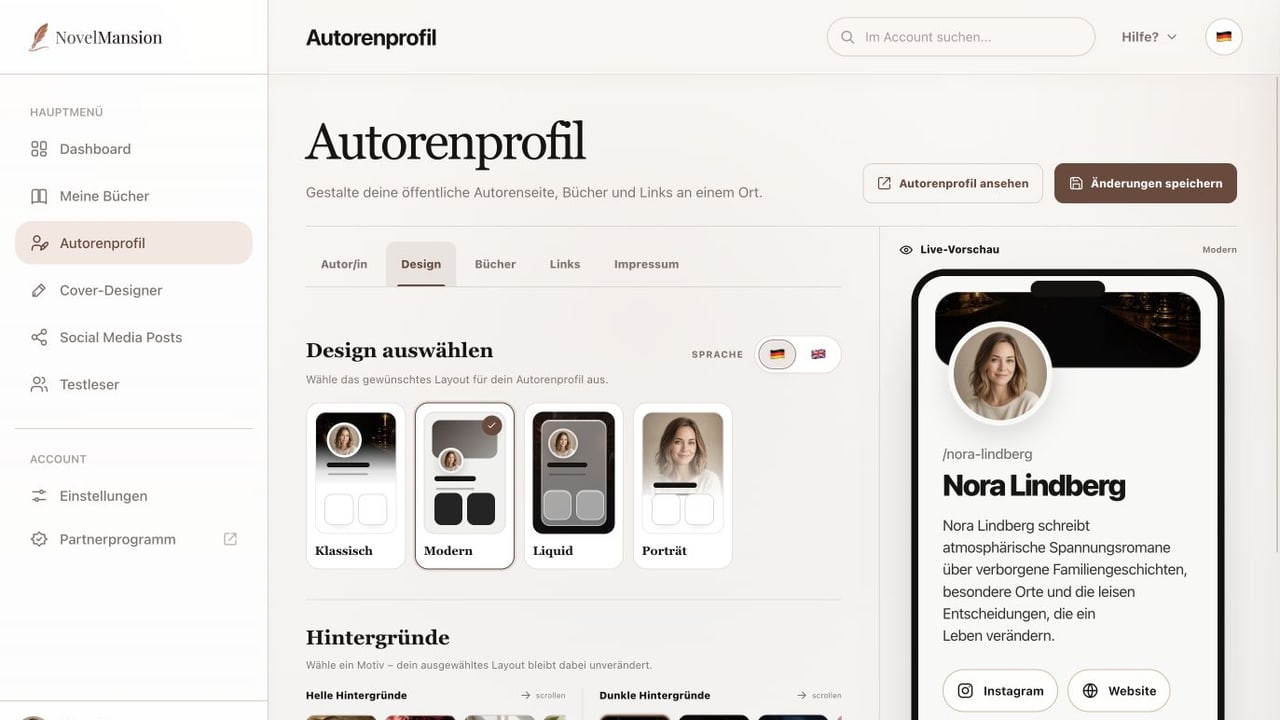
Author Profile
Choose page language, layout and background or enable a custom design.
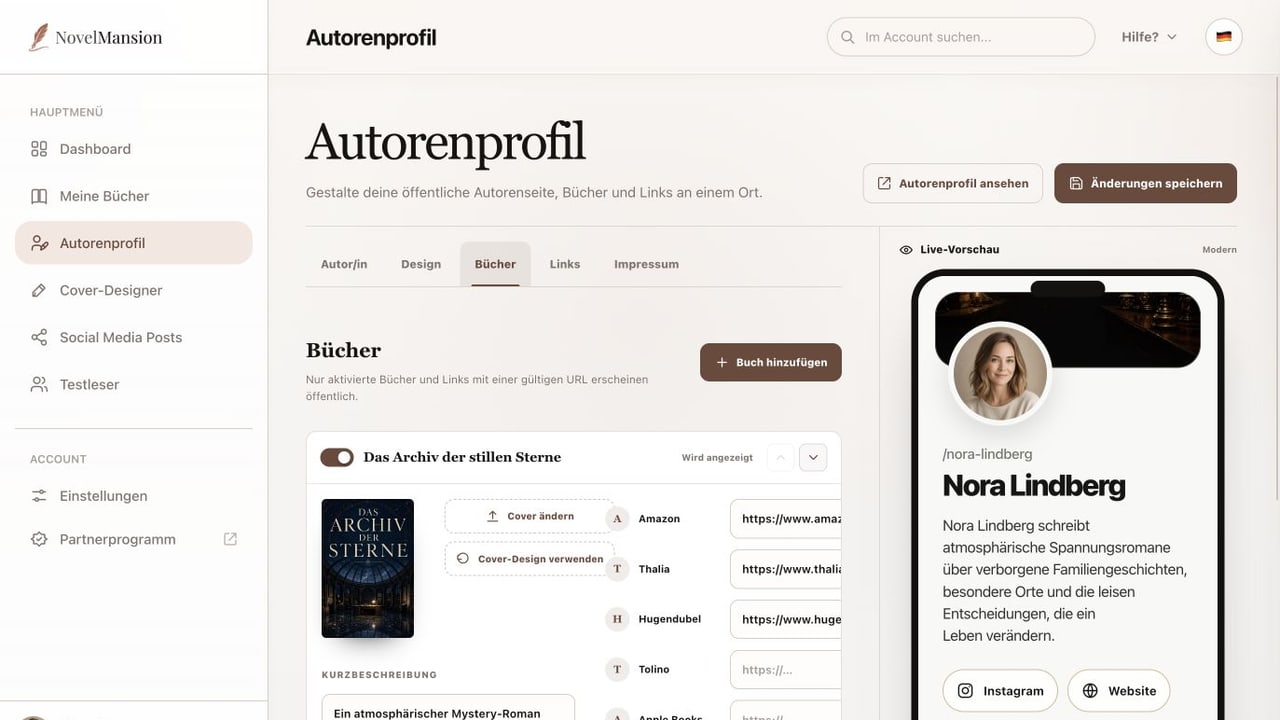
Author Profile
Control visible books, covers, order, shop links and additional profile links.
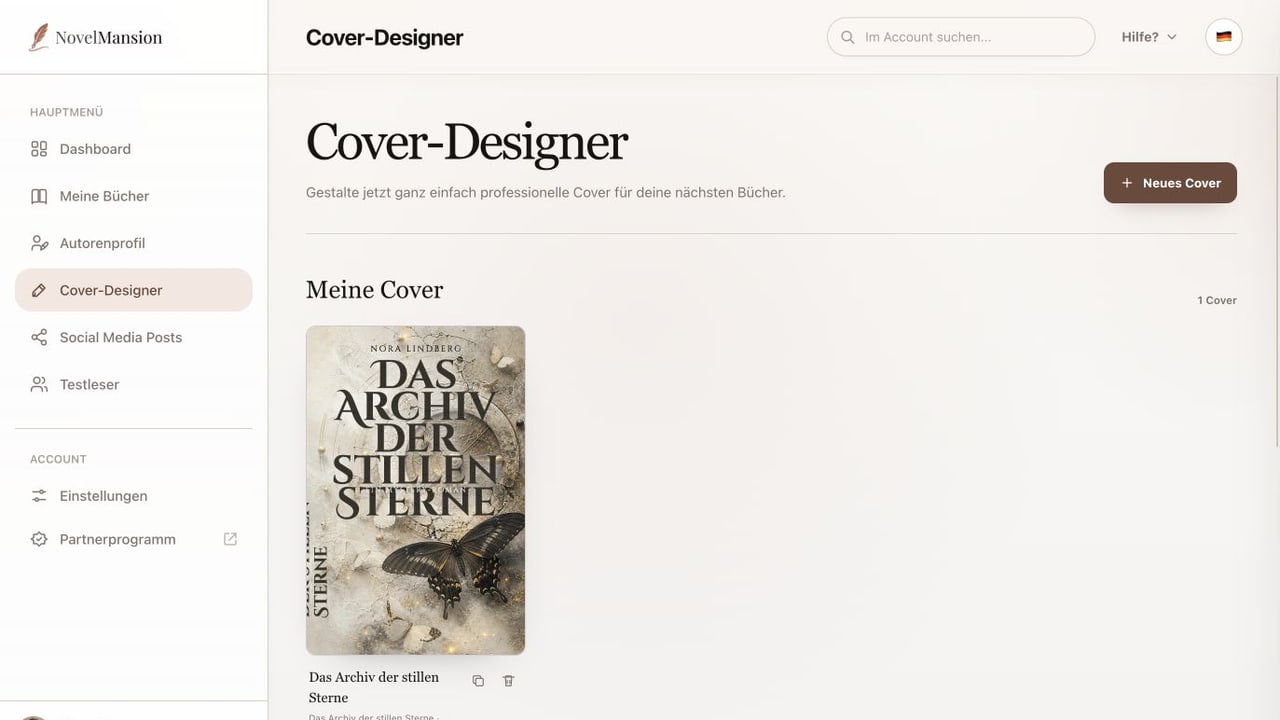
Cover Designer
Open drafts, duplicate them or begin with a complete cover template.
Cover Designer
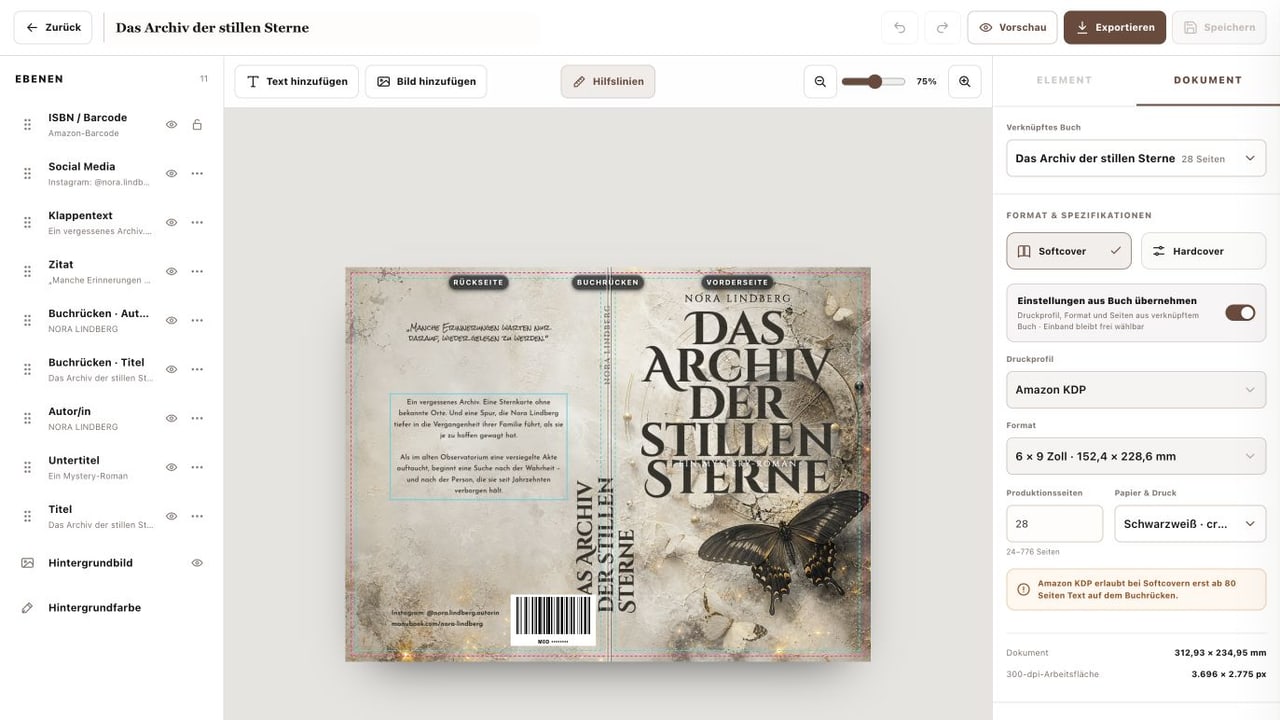
Edit text and images, arrange layers and inherit print specifications from a book.
Cover Designer
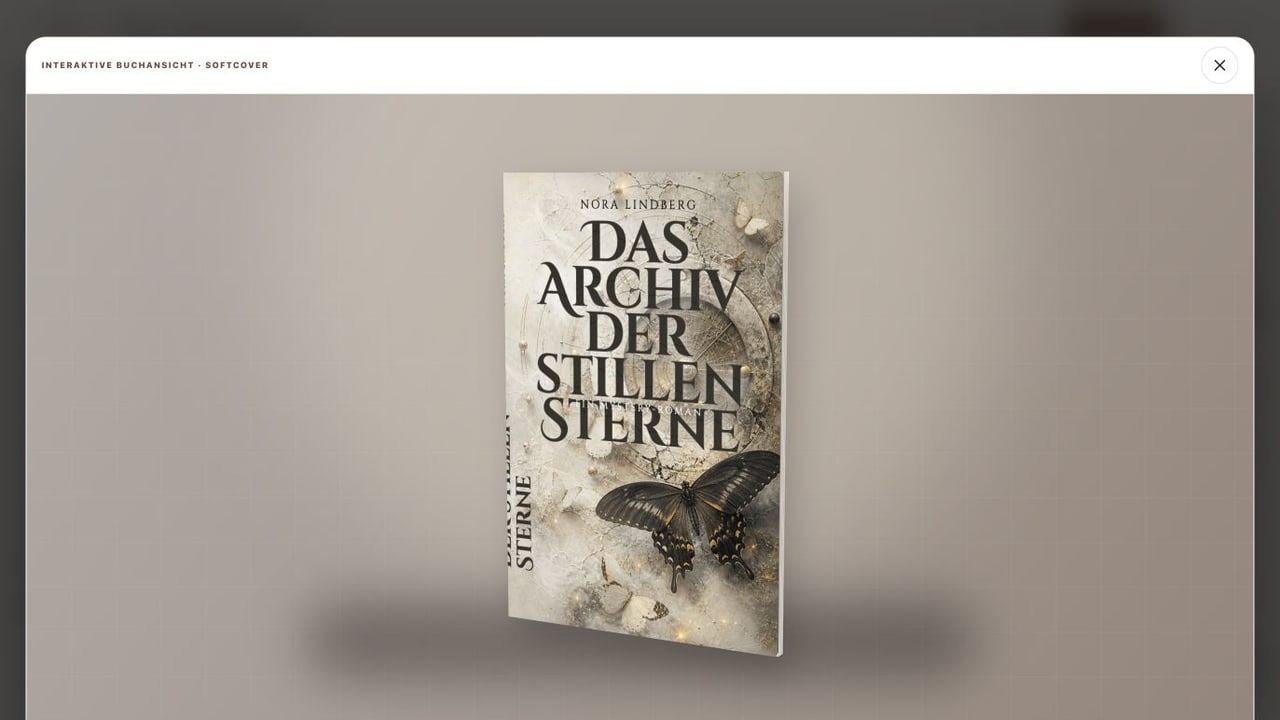
Rotate the book preview and choose PDF, PNG or JPG for the intended use.
Social Media Posts
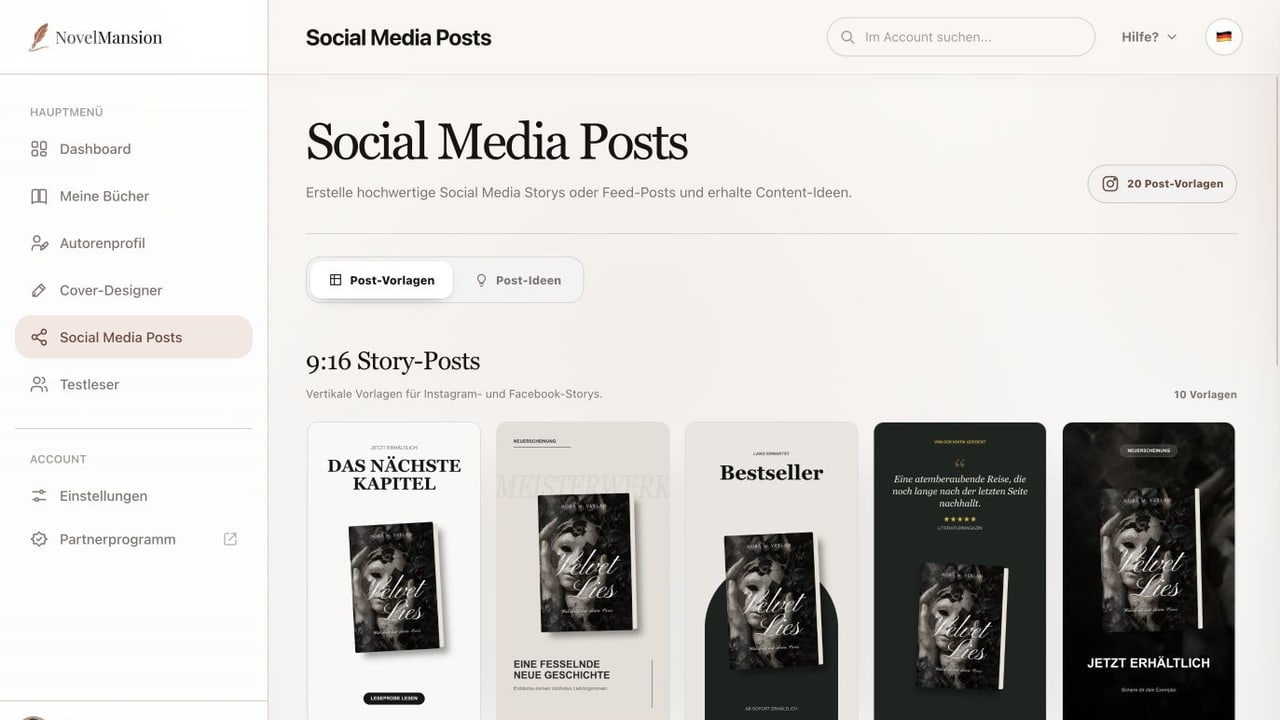
Distinguish Story and feed templates and open the right post editor.
Social Media Posts
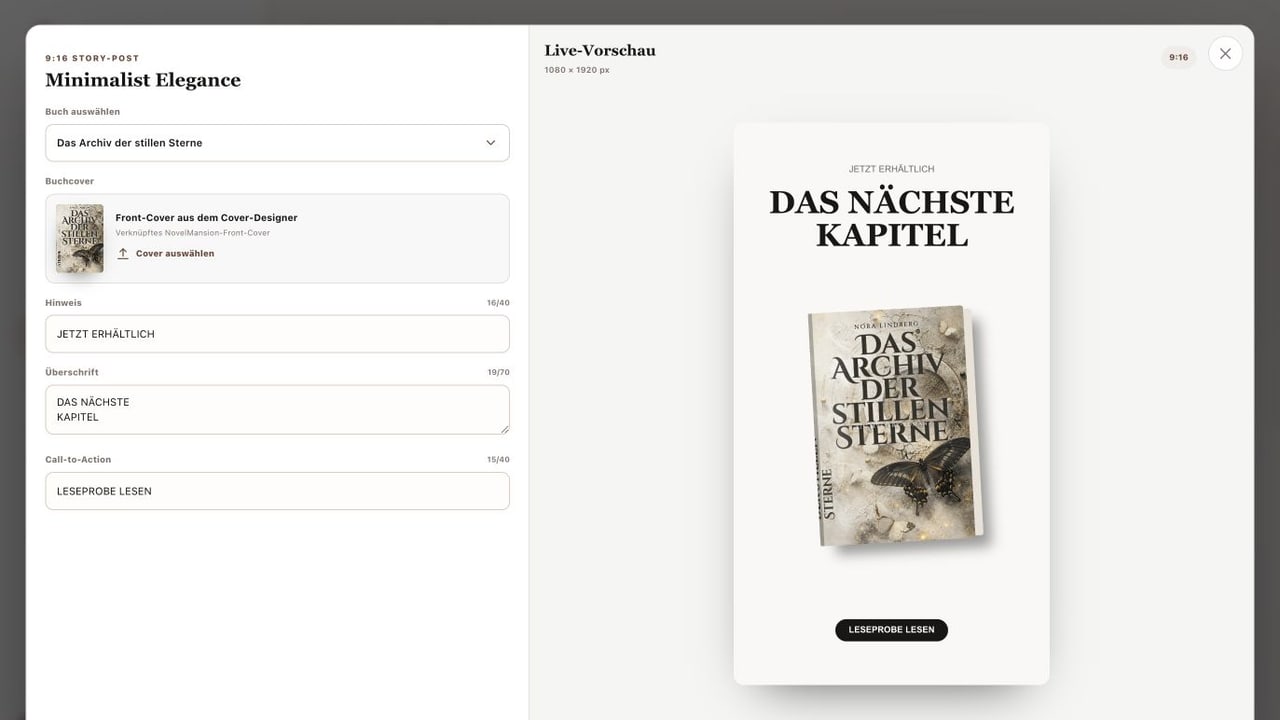
Link a book, choose a cover, edit template fields and download the image.
Social Media Posts
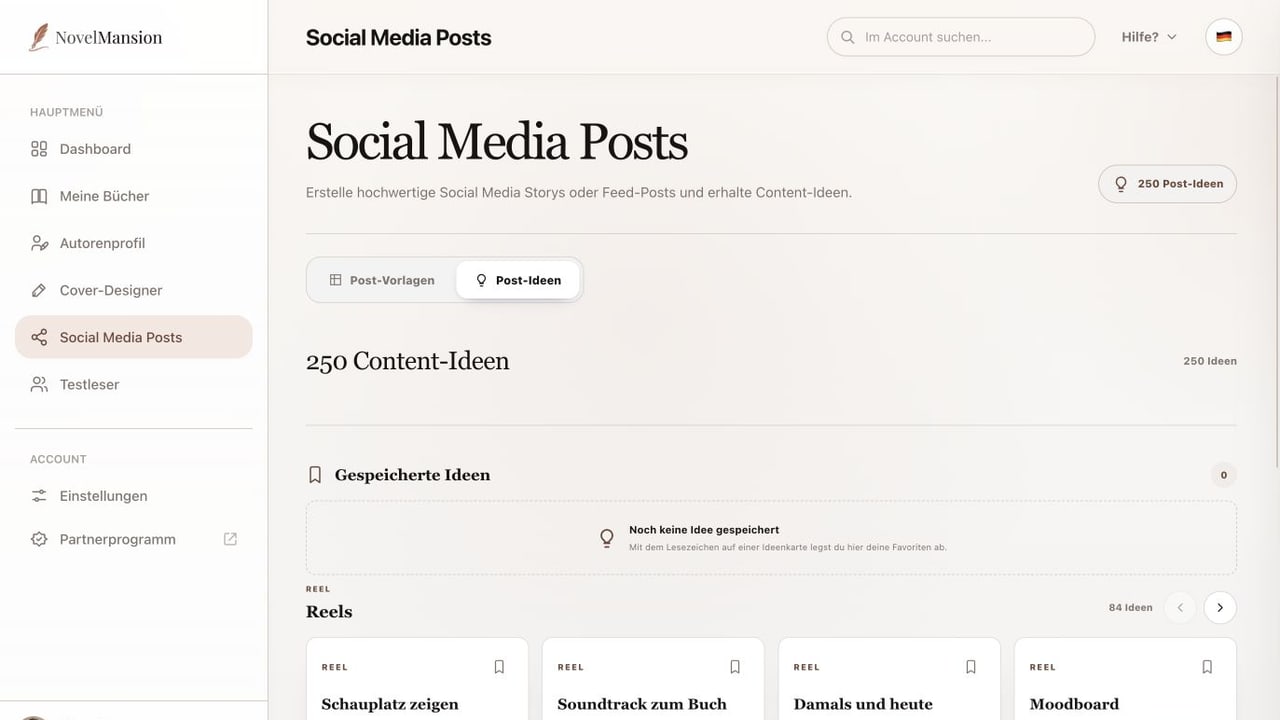
Browse 250 ideas for reels, photos and stories and collect favourites with bookmarks.
Beta Readers
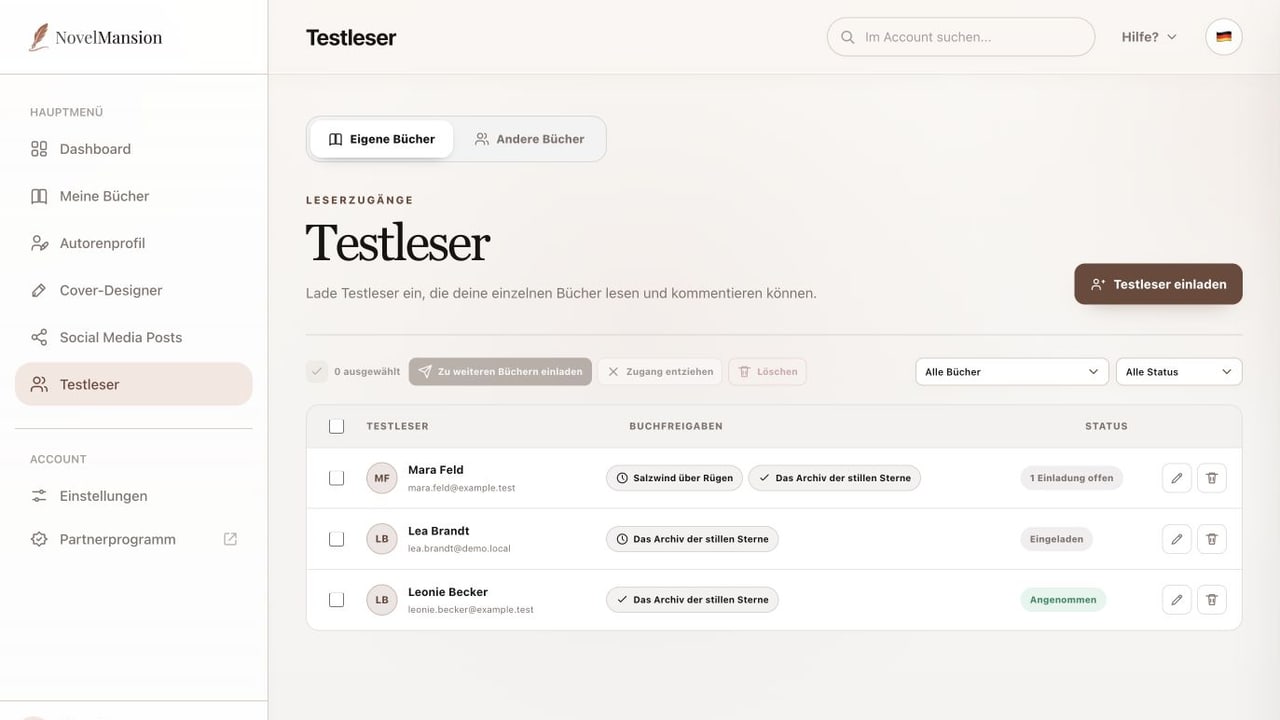
Send an invitation for a book and manage status, filters, additional permissions and access.
Beta Readers
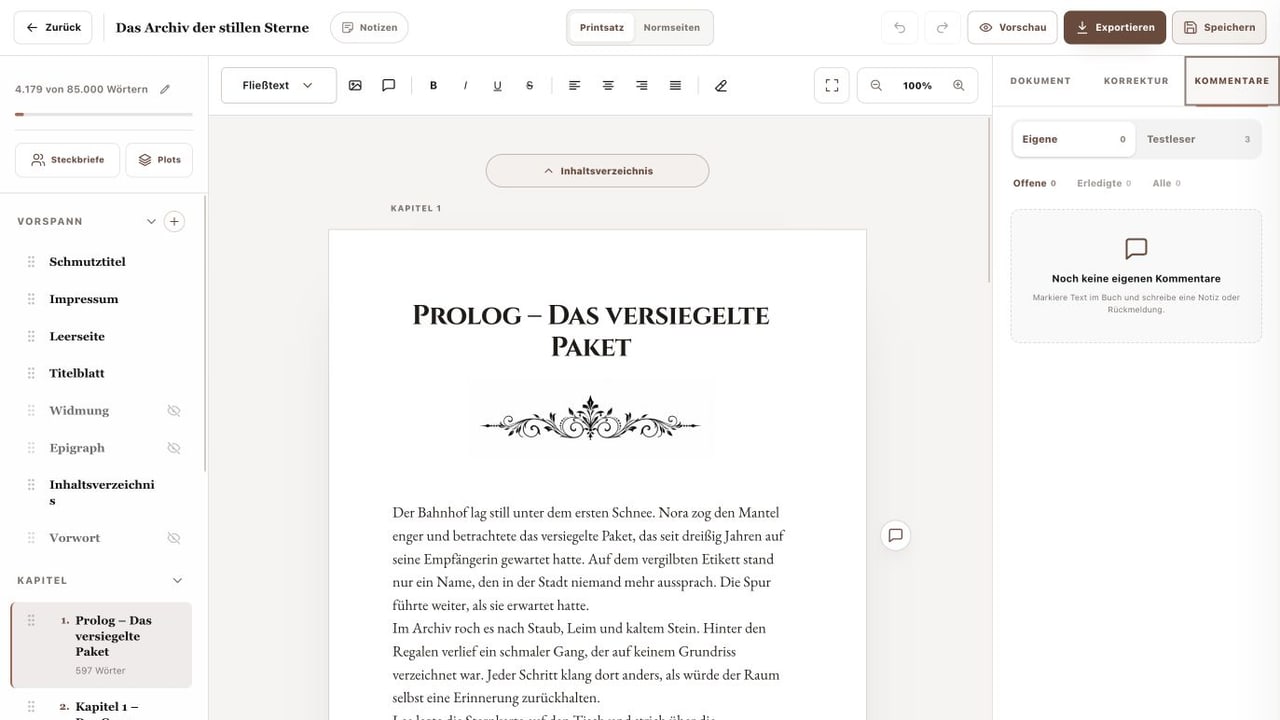
Open comments in the relevant book, filter by status and mark feedback as completed.
Account Settings
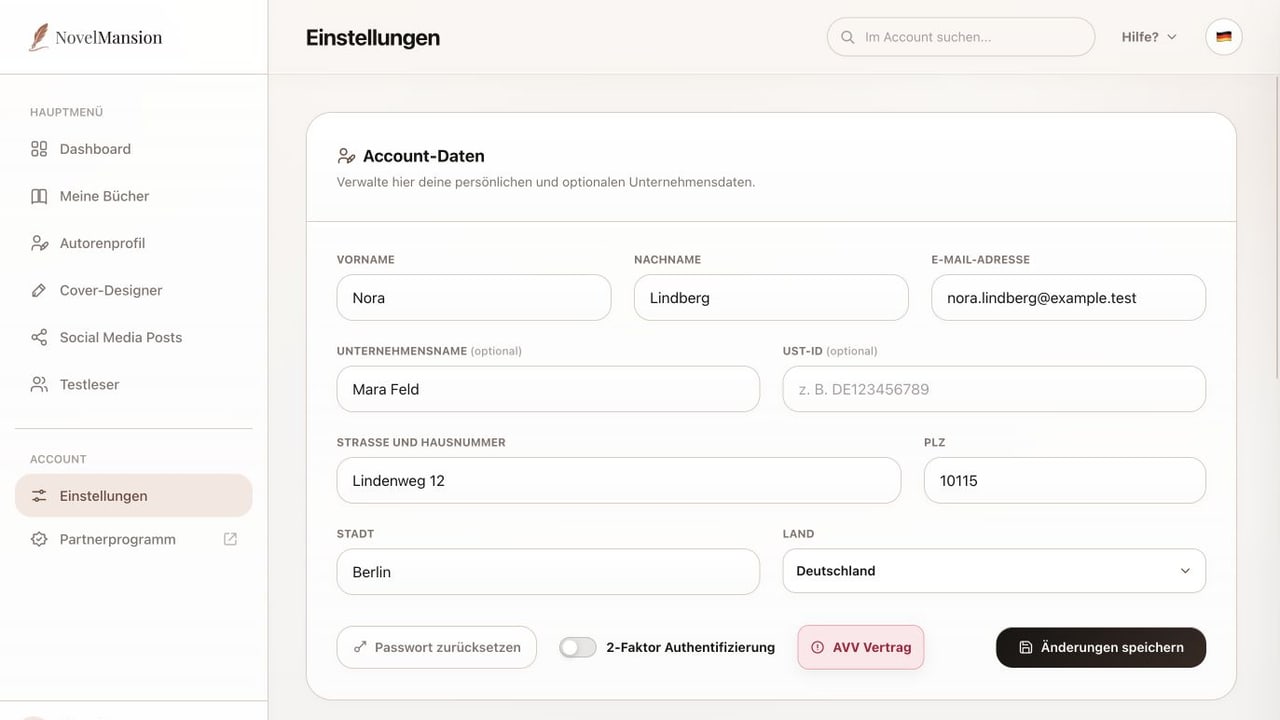
Manage personal and optional business data, reset the password and control 2FA.
Account Settings
Compare plans, review occupied beta-reader seats and find cancellation, invoices and account deletion.
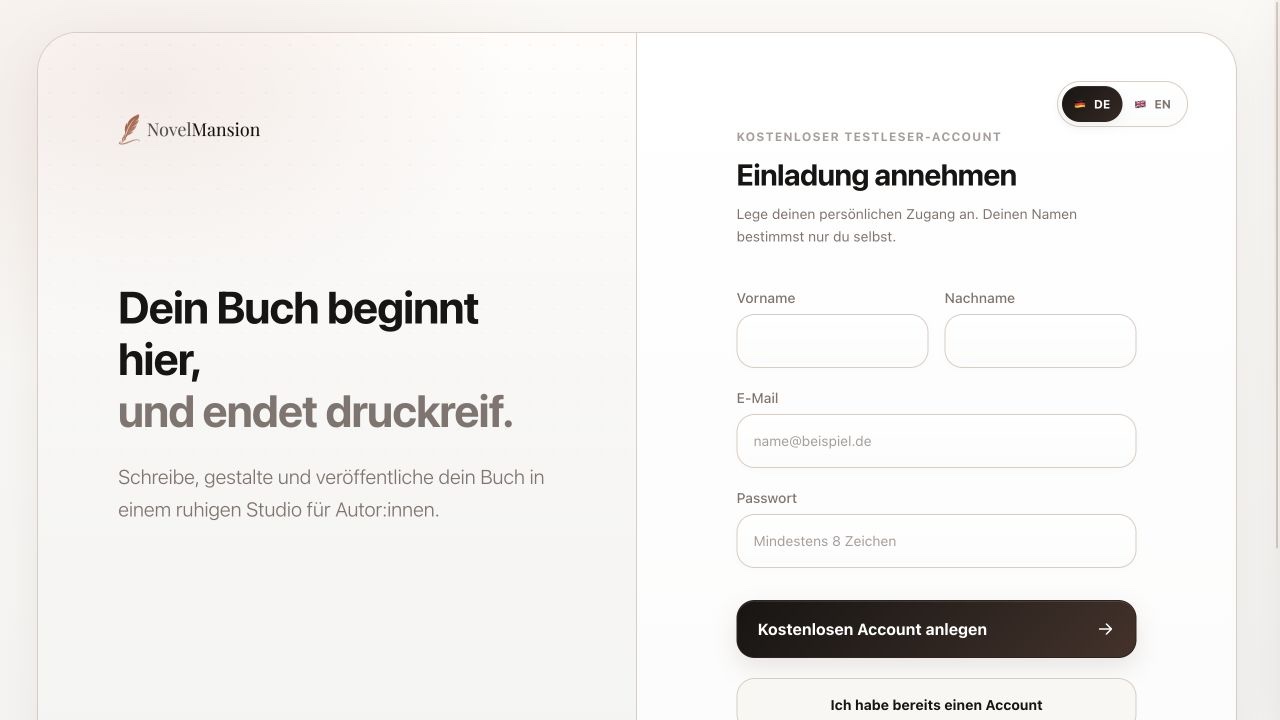
For Beta Readers
Use your personal invitation link to create a free account with the invited email address.
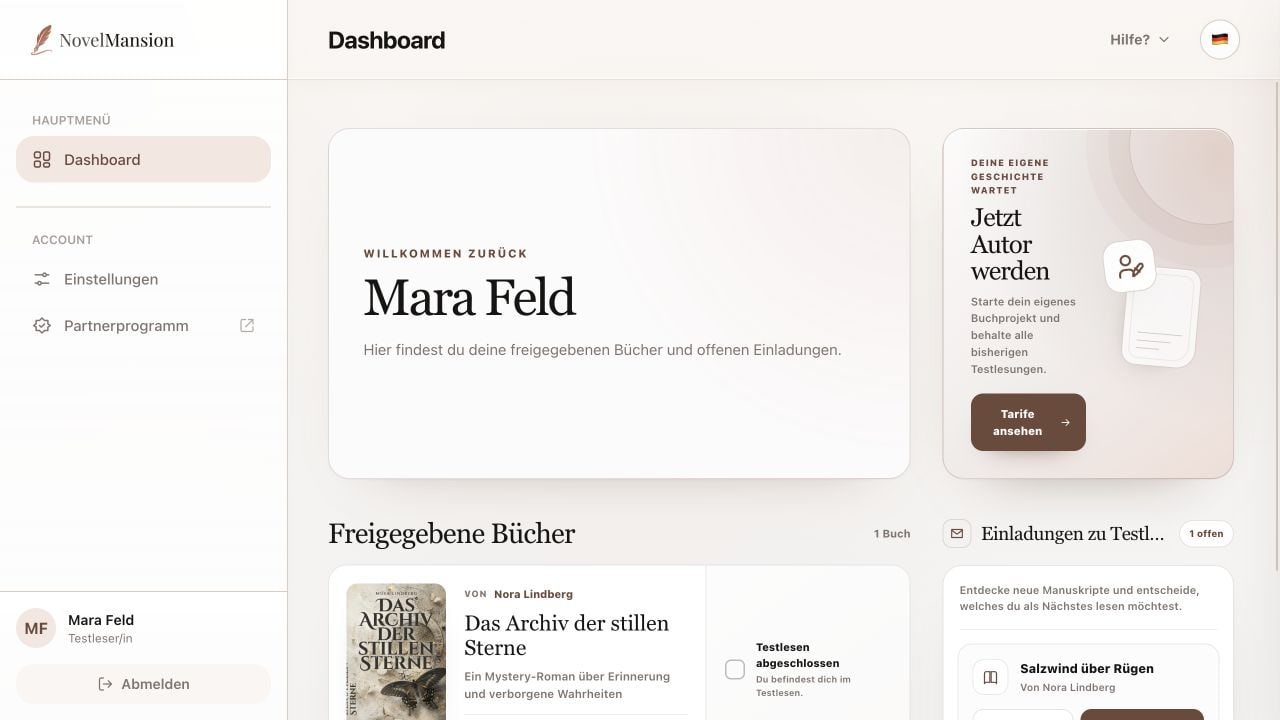
For Beta Readers
Decide on open invitations and open accepted manuscripts from your shared books.
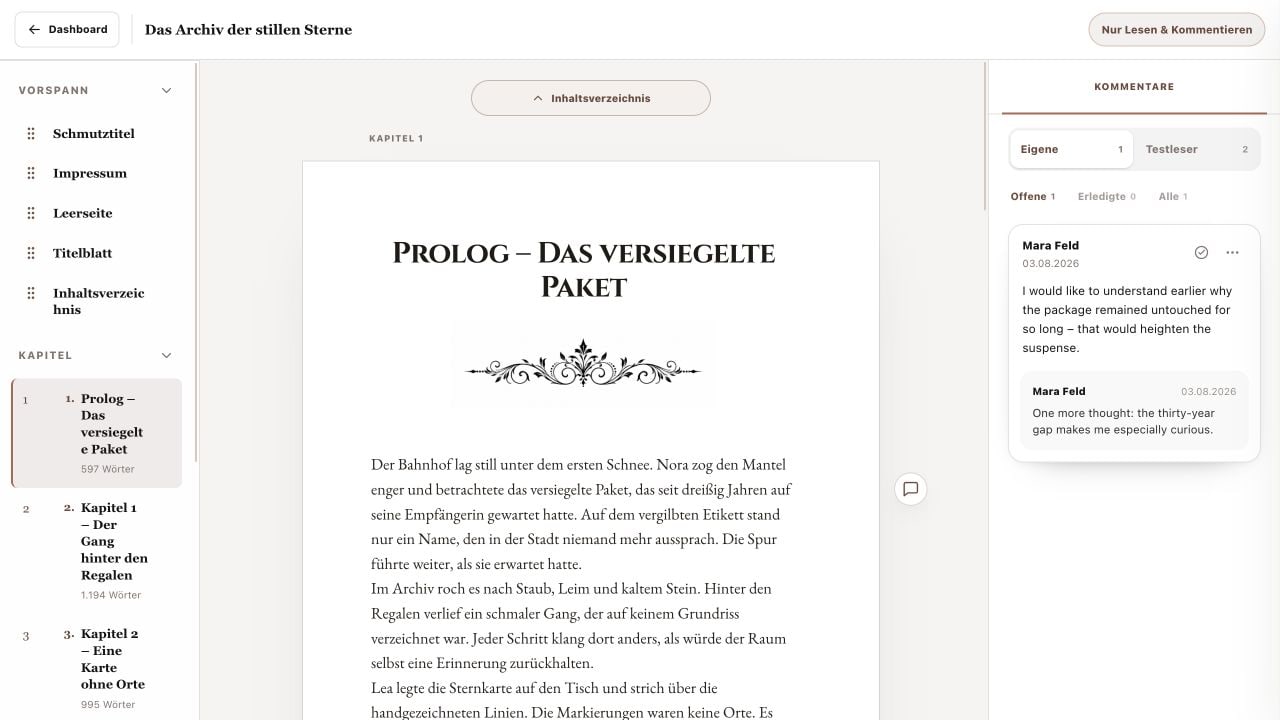
For Beta Readers
Use protected reading mode, navigate book sections and understand the feedback introduction.
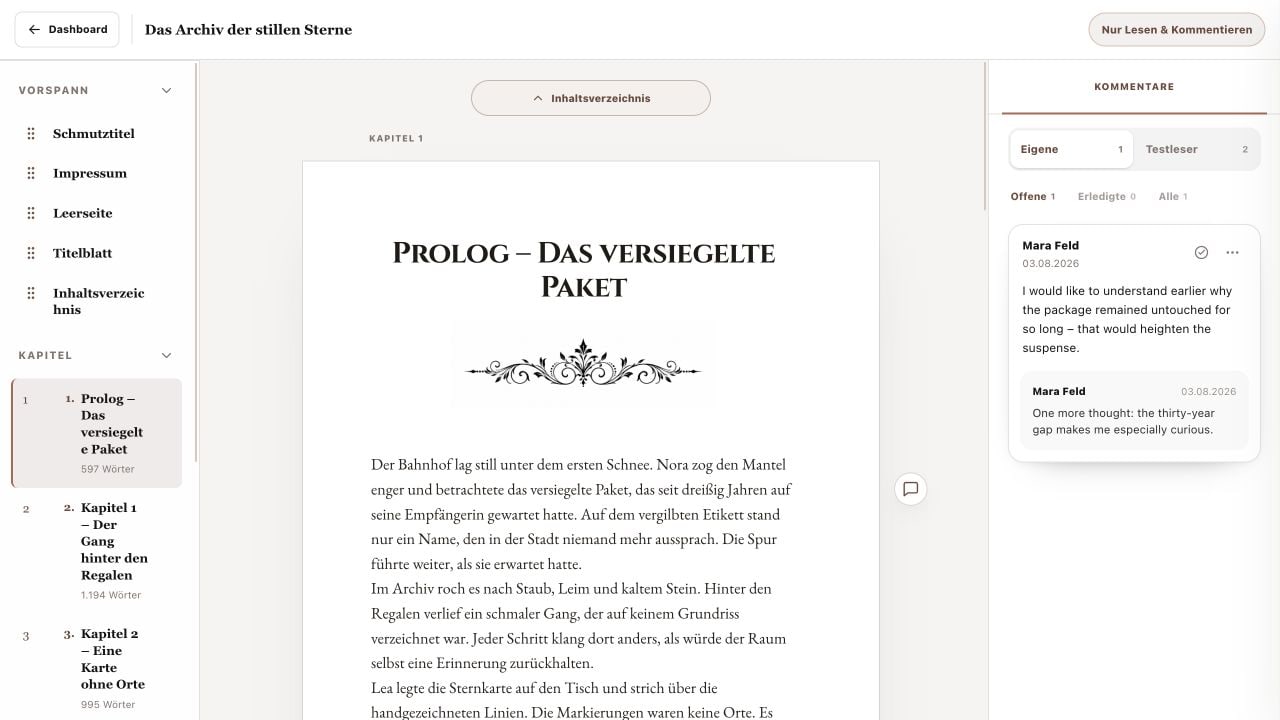
For Beta Readers
Select a specific passage and leave detailed feedback or a quick reaction.
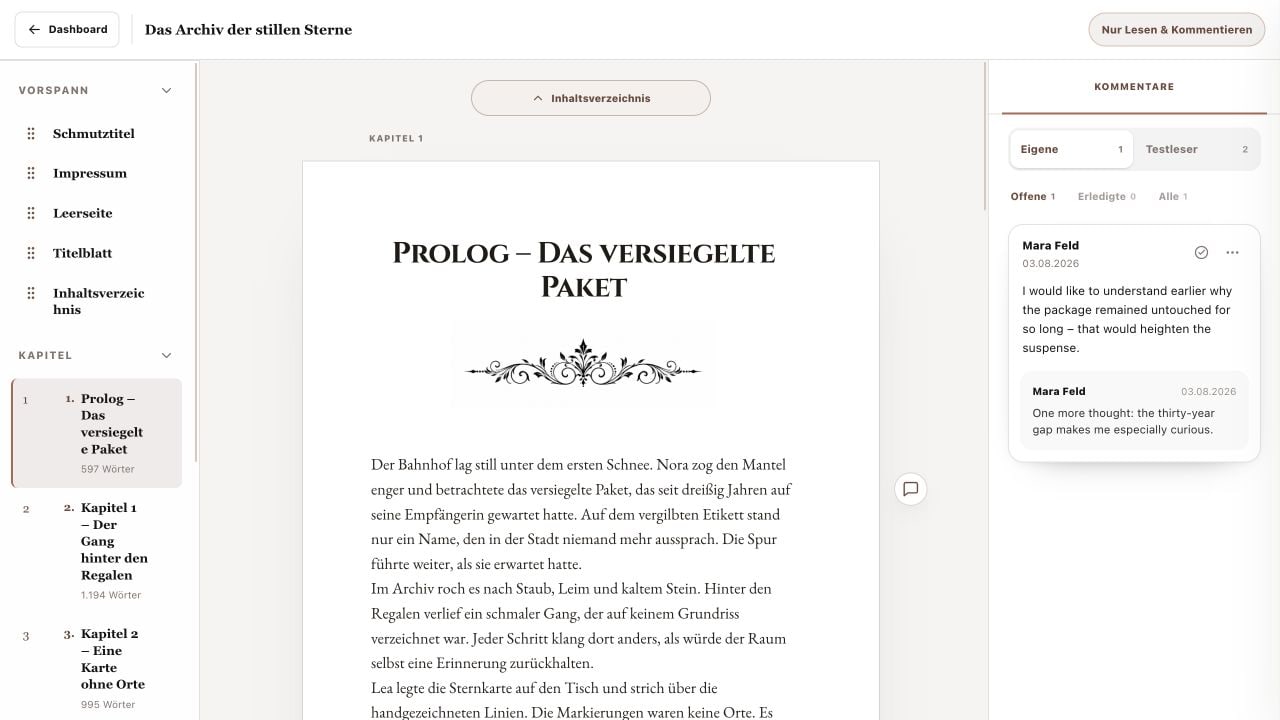
For Beta Readers
Find feedback again, edit your own comments and use replies and status filters.
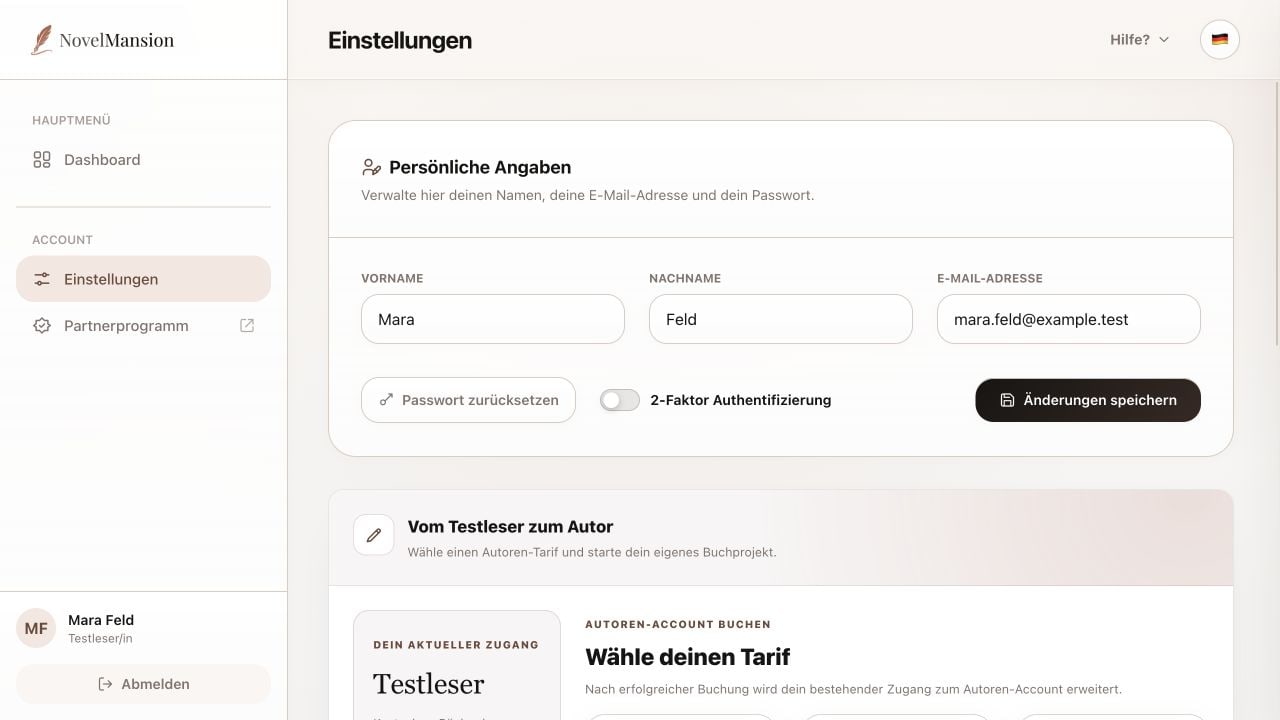
For Beta Readers
Set your personal completion marker and manage details, password, 2FA, language and the optional author upgrade.
Partner Program
Recommend NovelMansion and earn 25% lifetime commission for every new customer you refer.
No matching tutorials found.
Try a different search term or return to all categories.